✍ Figure checks: wording
Status: reference.
The rules about the words in a figure: a pictograph in a label, and three house conventions for names, tags and glosses. The first is a finding. The other three are advisory reports: they print under their own heading, never count as findings and cannot be allowed. README.md explains how to read a report and how to record a deliberate exception.
All four are read from the source, because they are about the words as
written. Each rule below shows a faulty figure, the line figure check
prints for it, and the fixed figure. Both are real files in
examples/, and tests/test_figure_check_examples.py
compiles them, so the report lines on this page are what the check
prints today. The listings show the picture only; every file also
carries the house style block above it.
🧭 Rules on this page
w4-pictograph
Catches. An emoji or pictograph in a label: a character in U+1F000
to U+1FAFF, U+2600 to U+27BF (where ✓ and ★ sit), U+2B00 to
U+2BFF, or the emoji variation selector U+FE0F. The target is the node,
or figure for one outside any label. Arrows, ©, ™, math and icon
commands (\ding, \fa...) are not read.
Why it matters. The render prints the character from a fallback
font that matches nothing else in the figure. A thesis that \inputs
the figure without that font chain drops it, with only a warning in
the log. The house figure draws a shape as a pic, never as a glyph.
Faulty: a tick mark after the gate's name.
1 2 3 | |
1 | |
Fixed: the tick is gone. The gloss already says what the gate does.
1 | |
| Faulty | Fixed |
|---|---|
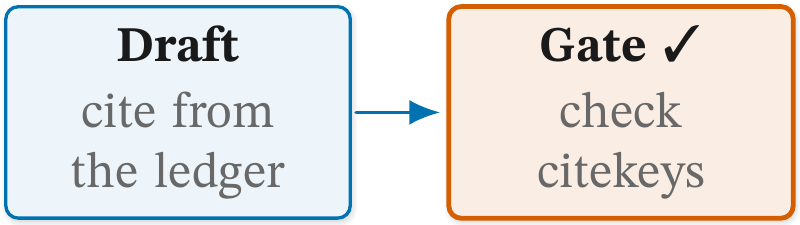 |
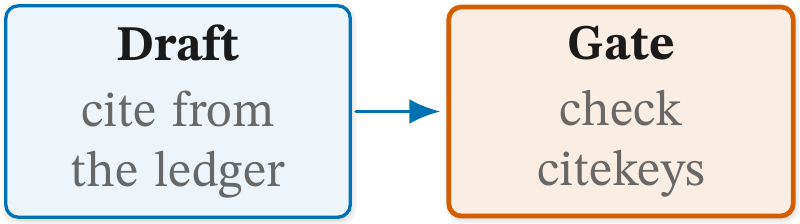 |
The tick prints here because the render's font chain has it. An emoji
such as 🔒 fires the same way and also compiles, but the render prints
it from Unifont's bitmap glyphs.
Fix. Delete the character; draw the idea as a house pic or say it
in words.
w1-case
Catches. A \cglab name that starts lower-case, or is in Title
Case: every later word of four letters or more is capitalised. The
target is the name. Acronyms (RAG, PDFs), \texttt{}, math and a
program name that is lower-case by convention (pdflatex) are left
alone, so Extended Kalman filter passes.
This is an advisory report. It cannot be allowed.
Why it matters. The names in one figure, and in the prose beside it, read as one voice when they share a case. Title Case makes every box look like a proper noun.
Faulty: the gate's name is in Title Case.
1 2 3 | |
1 2 | |
Fixed: sentence case.
1 | |
| Faulty | Fixed |
|---|---|
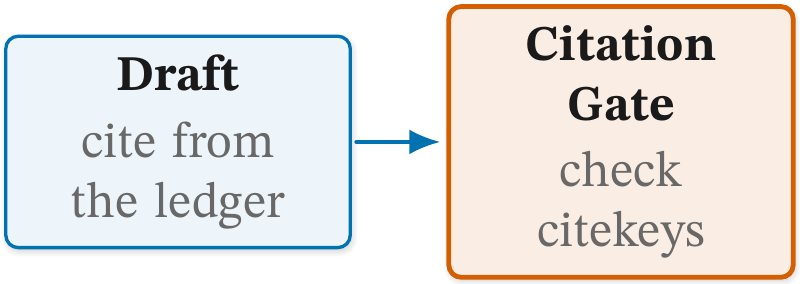 |
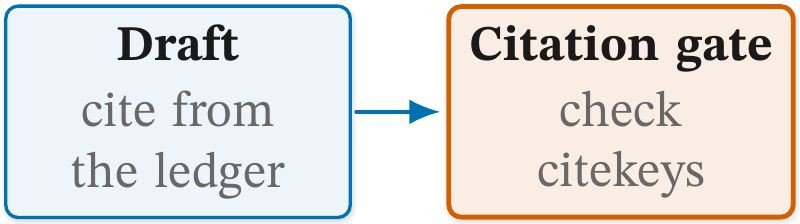 |
Fix. Advisory. Write the \cglab name in sentence case: Feature
store, not Feature Store or feature store.
w2-tag
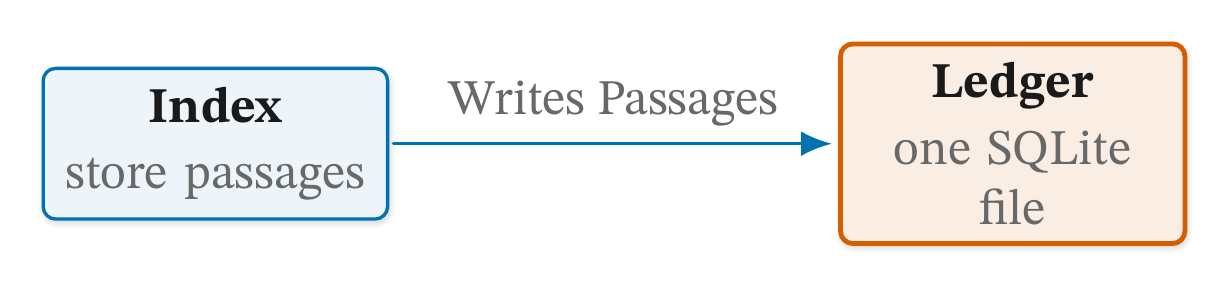
Catches. A tag on a \draw or \path that joins two points, with
more than three words or with a capitalised word (acronyms aside). The
target is the tag's text. A note placed beside a line by its own
\node is not a tag.
This is an advisory report. It cannot be allowed.
Why it matters. A tag names what moves along the line. Lower case keeps it apart from the bold names in the boxes, and three words keep it a label rather than a sentence stretched over the arrow.
Faulty: the tag is capitalised.
1 2 3 | |
1 2 | |
Fixed: the tag in lower case.
1 | |
| Faulty | Fixed |
|---|---|
 |
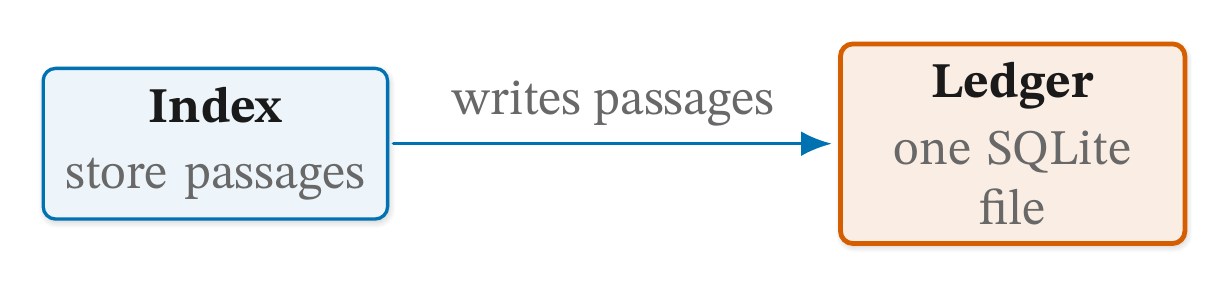 |
Fix. Advisory. A tag is a lower-case phrase of three words or
fewer: sends request.
w3-gloss
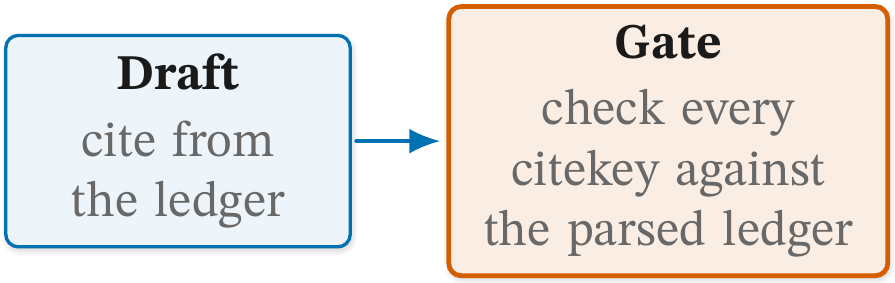
Catches. A \cglab gloss over six words. The target is the name
the gloss sits under. A formula counts as one word.
This is an advisory report. It cannot be allowed.
Why it matters. The gloss is a hint under the name. Past six words it is prose in a box, and the explanation belongs in the paragraph beside the figure.
Faulty: the gate's gloss runs to seven words.
1 2 3 | |
1 2 | |
Fixed: two words, and the prose says the rest.
1 | |
| Faulty | Fixed |
|---|---|
 |
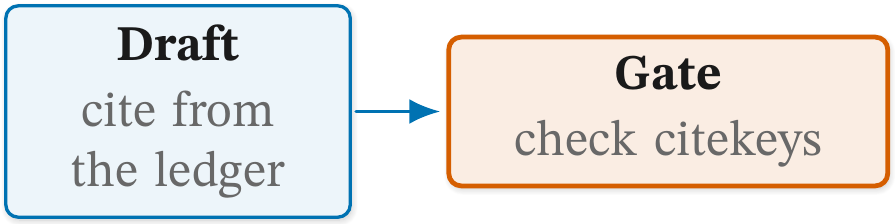 |
Fix. Advisory. Cut the \cglab gloss to six words or fewer.